Open an app
Find apps by name, Pinyin, or fuzzy keywords. Keep frequent choices in your favorites.
 Keylane
BUILT FOR macOS · DEVELOPER PREVIEW
Apps, files, and everyday tools in one native search window. Keep your hands on the keyboard and your attention on your work.
macOS 26+ · Apple Silicon · Manual install · Not notarized
OPTION + SPACE
Press Option + Space and type what you need. Select with the arrow keys and press Return to open.
Find apps by name, Pinyin, or fuzzy keywords. Keep frequent choices in your favorites.
Search folders you authorize with Spotlight and a supplemental local index.
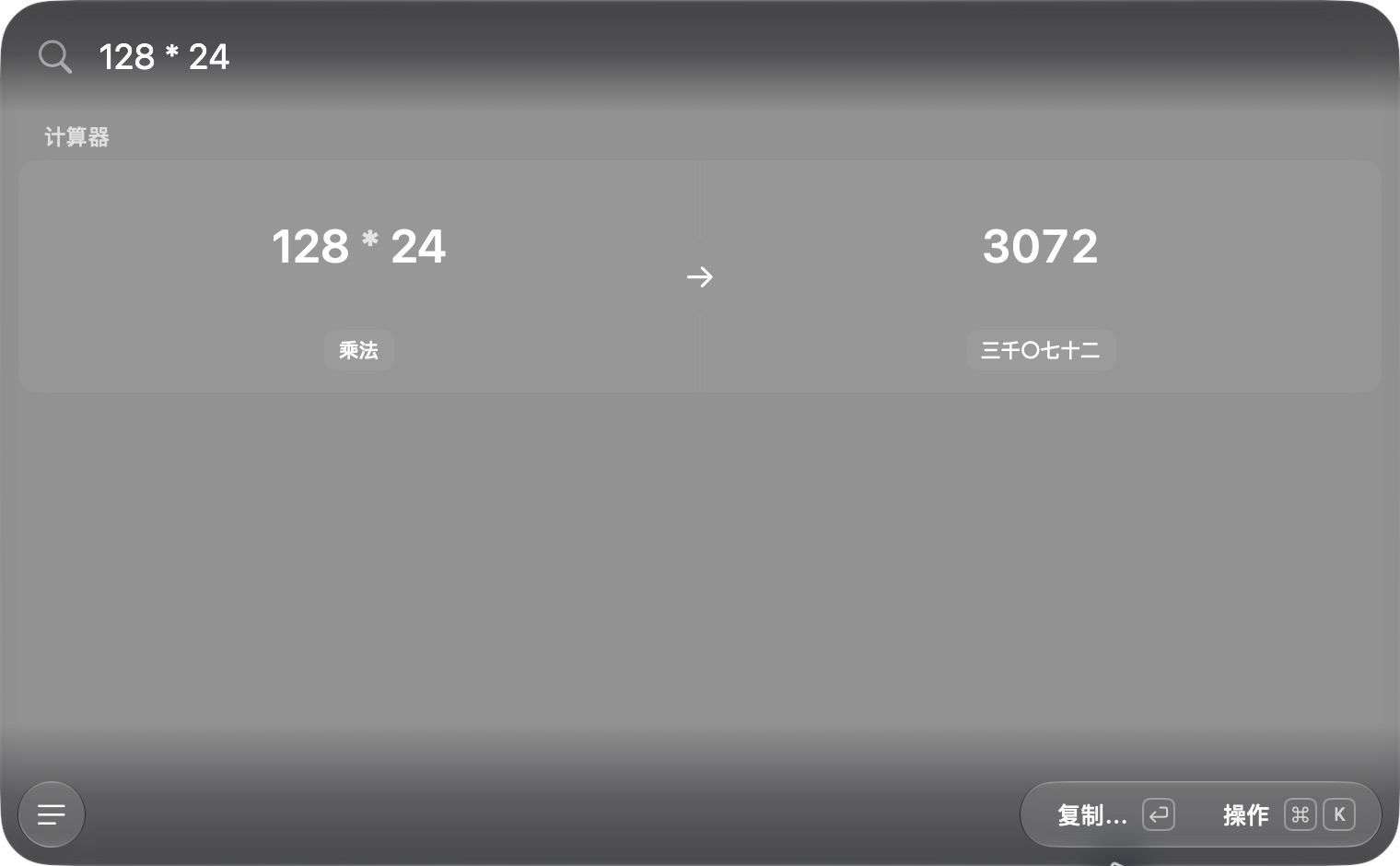
Calculations, Emoji, Quicklinks, and script commands share the same entry point.
EMOJI & SYMBOLS
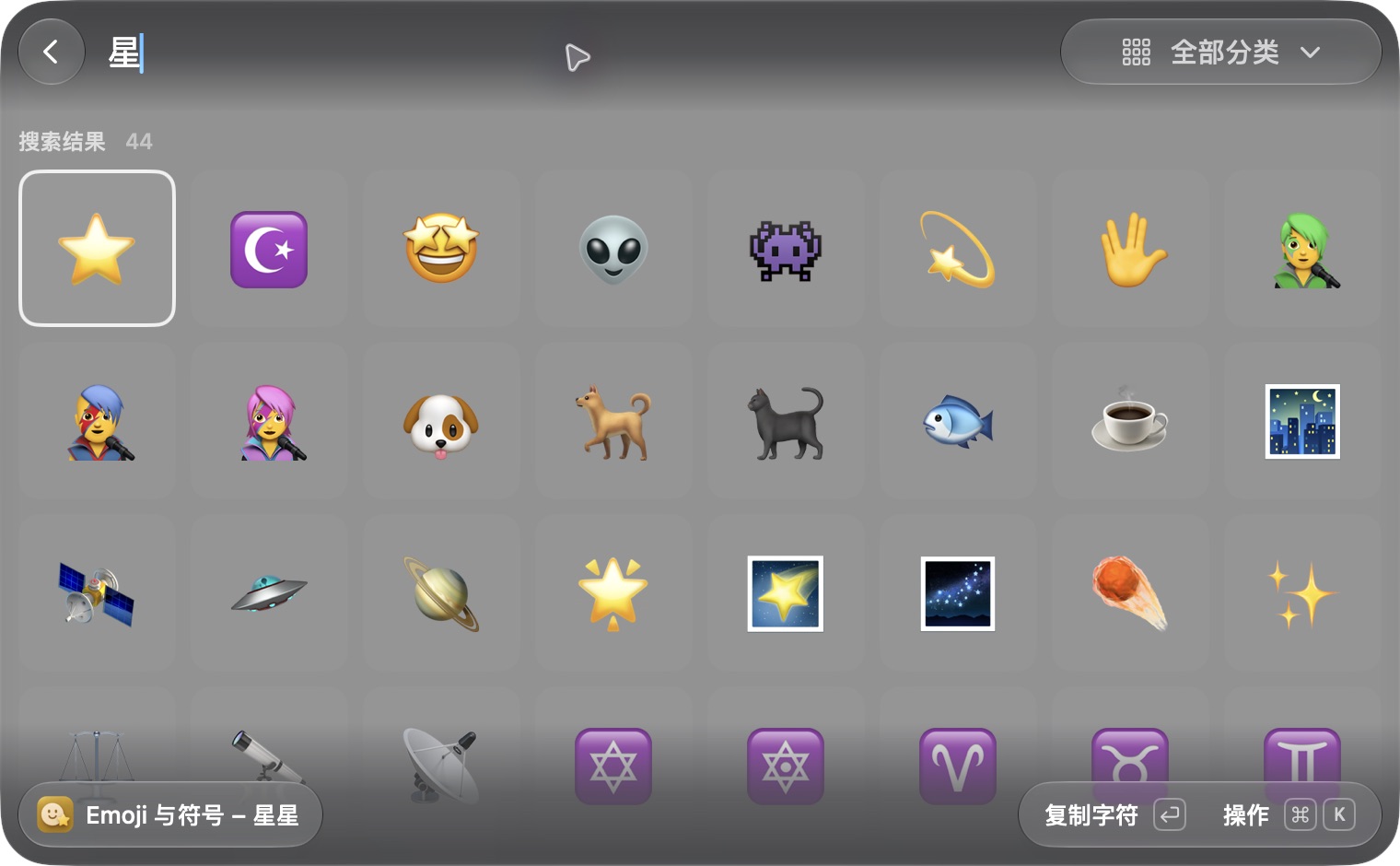
Search Emoji and symbols, browse the results, and copy the character you need. One less window between you and your next idea.
Enable clipboard history and file access when you need them. Data stays on your Mac; file AI sends your question and selected context to your configured provider only when you submit it. Provider fees may apply. No built-in telemetry or cloud sync.
BETA 1 / BUILD 27
The public download is 1.0.2 Beta 1 (build 27). This developer preview still has system interaction validation gaps.
Download the DMG and SHA-256 file and verify the checksum. Open the DMG, drag Keylane to Applications, then open the app. This build is ad-hoc signed and not notarized; macOS may block first launch. Read Apple’s safety guidance. Installation is manual for this release.
Apple: Safely open apps on your Mac ↗First launch under default security settings, upgrading from Alpha, isolated launch/quit/relaunch, and synthetic configuration upgrades remain unverified. The latest real-focus Navigation recheck did not pass. Keyboard and permission flows, multiple displays, full screen, Spaces, and real target apps have validation gaps. Intel and universal builds are unverified.
Raycast extension compatibility, configuration migration, and iPhone app launching are outside this Beta. Development branches and draft PRs do not imply released features or completed real-device acceptance.
Current dev source uses GPL-3.0-or-later, permitting commercial use, modification, and redistribution under its terms. Beta 1 (891ab2c) and the pre-sync main snapshot (877ca22) retain the PolyForm Noncommercial license shipped with those versions. The GPL change does not retroactively relicense old tags or installers.